
New free tool: TRIMP calculator for planned workouts
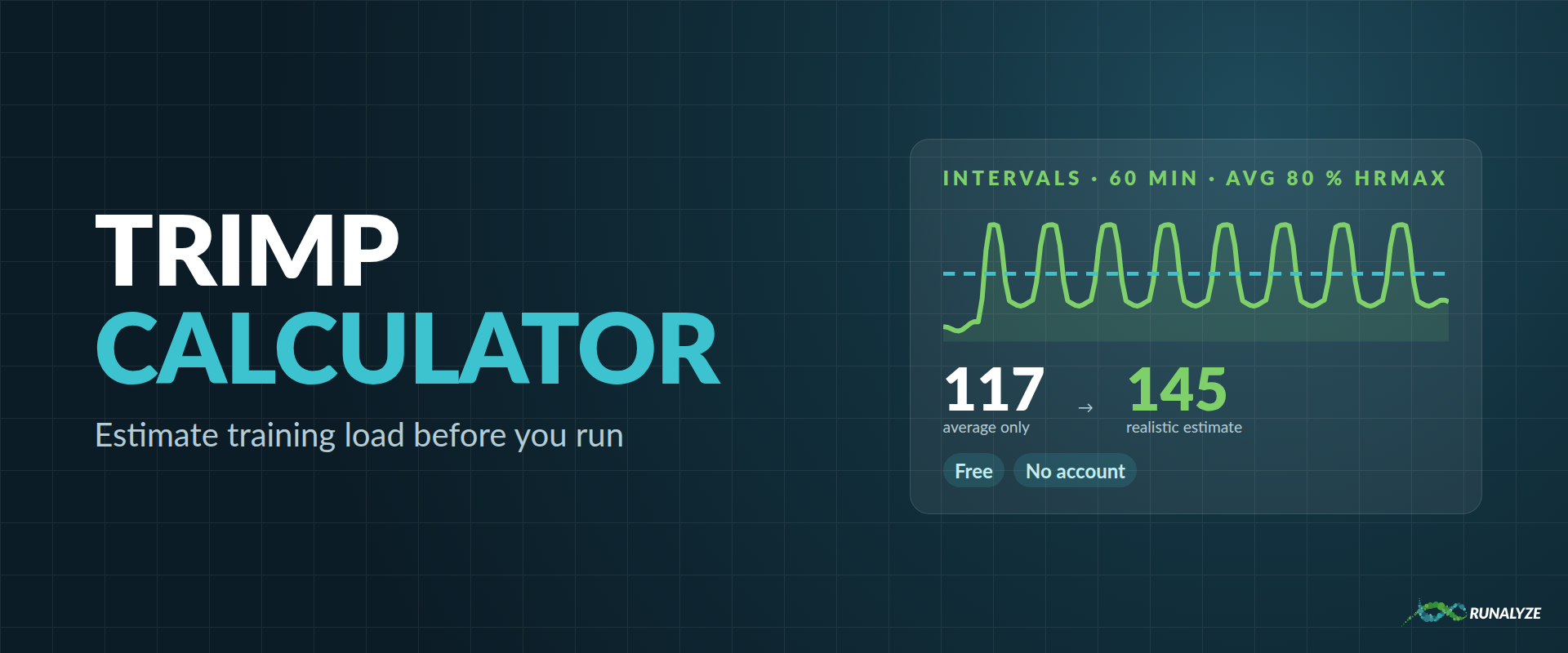
For every activity with heart rate data, RUNALYZE calculates its TRIMP (training impulse), a single number for how much load a session put on your body. But what about a session you haven’t run yet? With our new free TRIMP calculator you can estimate it before you run. You don’t need an account.
How it works
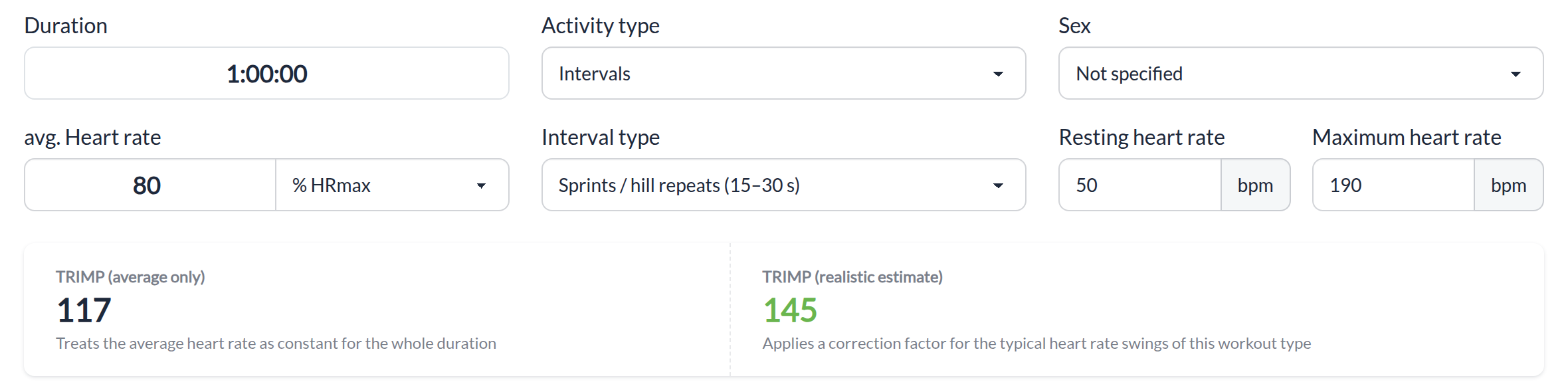
Enter what you plan:
- Duration of the session, e.g.
45:00or1:00:00 - Average heart rate, in % of your maximum heart rate or in bpm
- Activity type: easy run, tempo run, fartlek, intervals or race. For intervals you also choose the interval type: short (1–2 min), long (3–5 min) or sprints/hill repeats (15–30 s)
- Sex, which changes how strongly high heart rates are weighted (you can leave it unspecified)
- Your resting and maximum heart rate
The calculator shows two values:
- TRIMP (average only) treats your average heart rate as constant for the whole session.
- TRIMP (realistic estimate) applies a correction factor for the typical heart rate swings of the chosen workout type.
All inputs are saved in the page URL, so you can bookmark a planned session or send it to your coach or training partner.
Why intervals score higher than their average heart rate suggests
TRIMP is based on Banister’s formula, and it is not linear in heart rate: it grows exponentially with your heart rate reserve. One minute well above your average adds much more TRIMP than one minute well below the average takes away. So a session that swings between high and low heart rates scores higher than a steady run at the same average.
An example with a resting heart rate of 50 bpm and a maximum of 190 bpm, one hour at an average of 80 % HRmax:
| Planned session | Average only | Realistic estimate |
|---|---|---|
| Long intervals (3–5 min) | 117 | 136 |
| Short intervals (1–2 min) | 117 | 140 |
| Sprints / hill repeats (15–30 s) | 117 | 145 |
Same duration, same average heart rate, but up to 24 % more training load, depending on how much the heart rate jumps around.
The correction factors are a first estimate of the typical effect for each workout type, not a measurement of your workout. Use the result to plan and compare sessions, not as an exact prediction.
TRIMP for your real activities
Once you have done the session, RUNALYZE doesn’t need any estimate. It calculates TRIMP from your complete heart rate recording. This is also why an interval session and a steady run with the same average heart rate end up with different TRIMP values in your training log.
TRIMP is the basis for fatigue (ATL), fitness (CTL) and form (TSB) in RUNALYZE. More on TRIMP in our glossary and on ATL/CTL in this post.
More free tools
The TRIMP calculator joins our other tools that you can use without an account: effective VO2max, pace calculator, grade adjusted pace, lactate step-test analysis and the FIT file viewer.
Want TRIMP, fitness and fatigue for all your activities? Create a free account and sync your watch.